Opportunities are scattered
Calls sit on dozens of donor portals and mailing lists. Small teams cannot monitor them all, so deadlines pass unnoticed.
NGO Bridge helps programme, grants, finance and M&E officers plan projects, discover verified grant opportunities and produce the evidence donors ask for — without juggling spreadsheets and inboxes.
Three problems come up in almost every organisation we spoke to.
Calls sit on dozens of donor portals and mailing lists. Small teams cannot monitor them all, so deadlines pass unnoticed.
Concept notes in Word, budgets in Excel and deadlines in chat groups make it unclear who is responsible for what.
Funders ask for registration documents, indicators and results. Most organisations have them, but not in a form they can share quickly.
Six connected modules covering the full grant cycle, from project design to donor reporting.
Plan activities, assign tasks, upload documents and track milestones with a logical framework — all on one project record.
Scan the live web with AI or search the stored database. Every link is verified before it shows, and each match is auto-scored against your profile.
Move submissions through Saved, Preparing, Submitted and Awarded with document checklists and automatic deadline reminders.
Log indicators against a logframe, record impact updates and export donor-ready reports in Excel, CSV or PDF.
Find similar NGOs by sector and district, with verified contact details and direct outreach — then start a connection thread.
Publish a public page with registration details, projects and results so funders can verify your organisation's work.
Keep logging impact and tasks in the field; changes sync automatically when you reconnect.
Every opportunity and partner URL is checked before it reaches you — no 404 dead ends.
Saved applications remind you ahead of time, so a call never slips past unnoticed.
Plan and track budgets in Zambian Kwacha, with restricted-fund categories for donor compliance.
Projects, indicators and funding matches are organised by sector and district, so reporting mirrors reality on the ground.
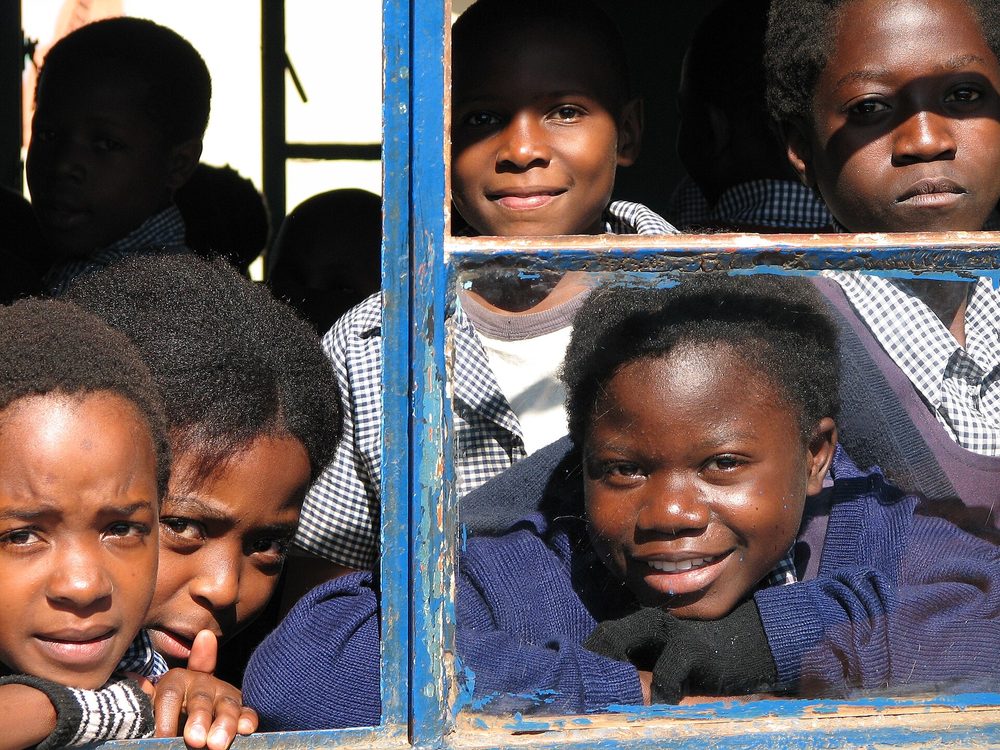
School access and literacy programmes
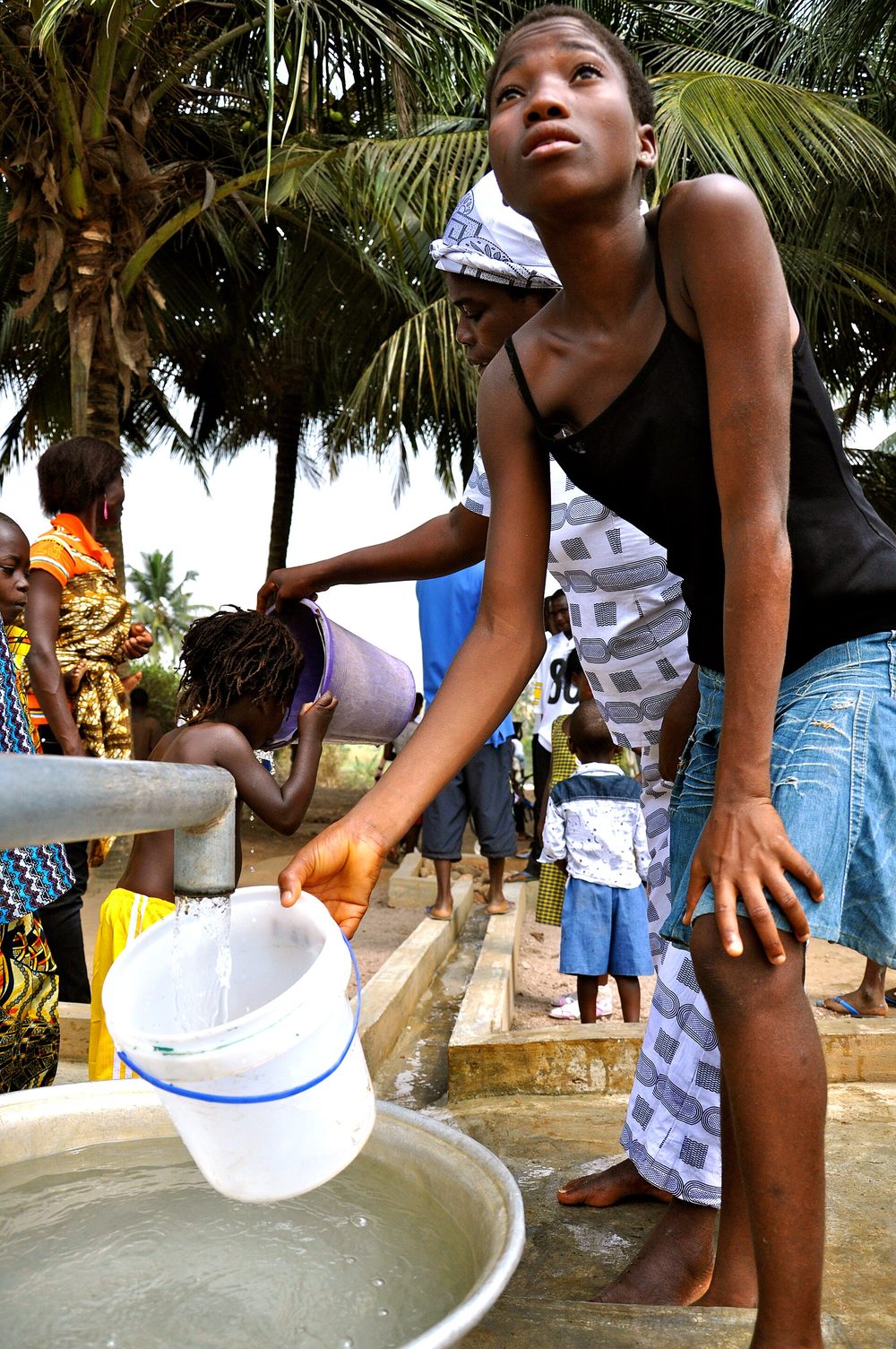
Boreholes, hygiene and safe water points
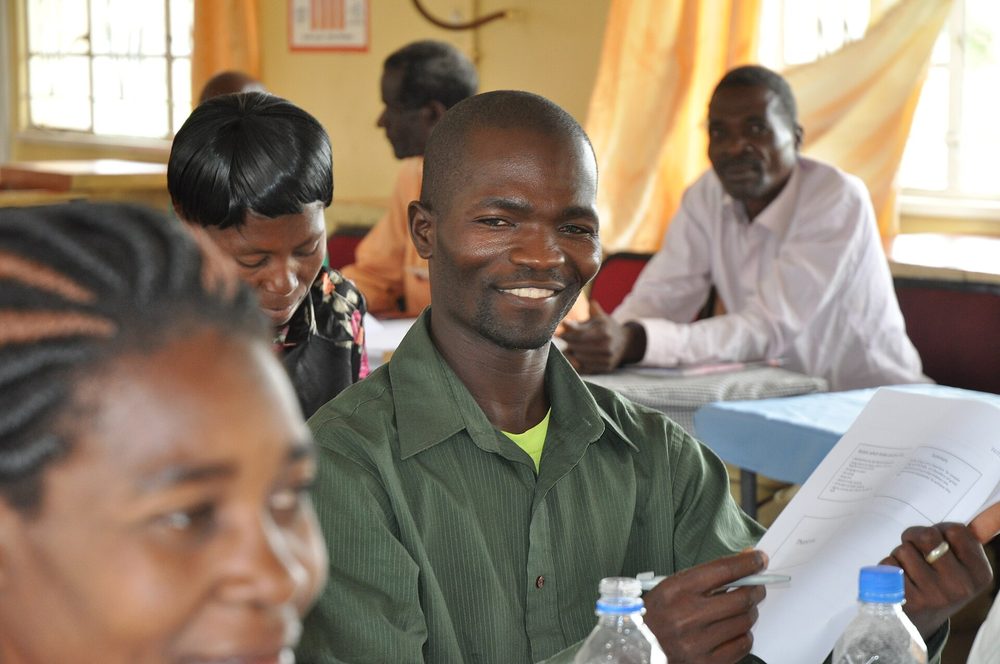
Community health workers and clinic outreach
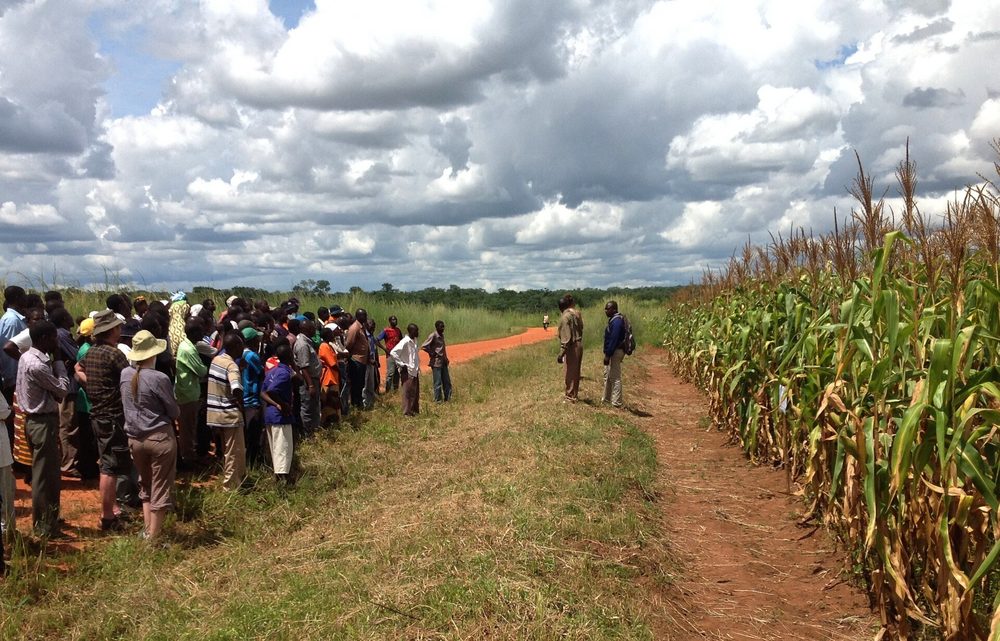
Smallholder farming and food security
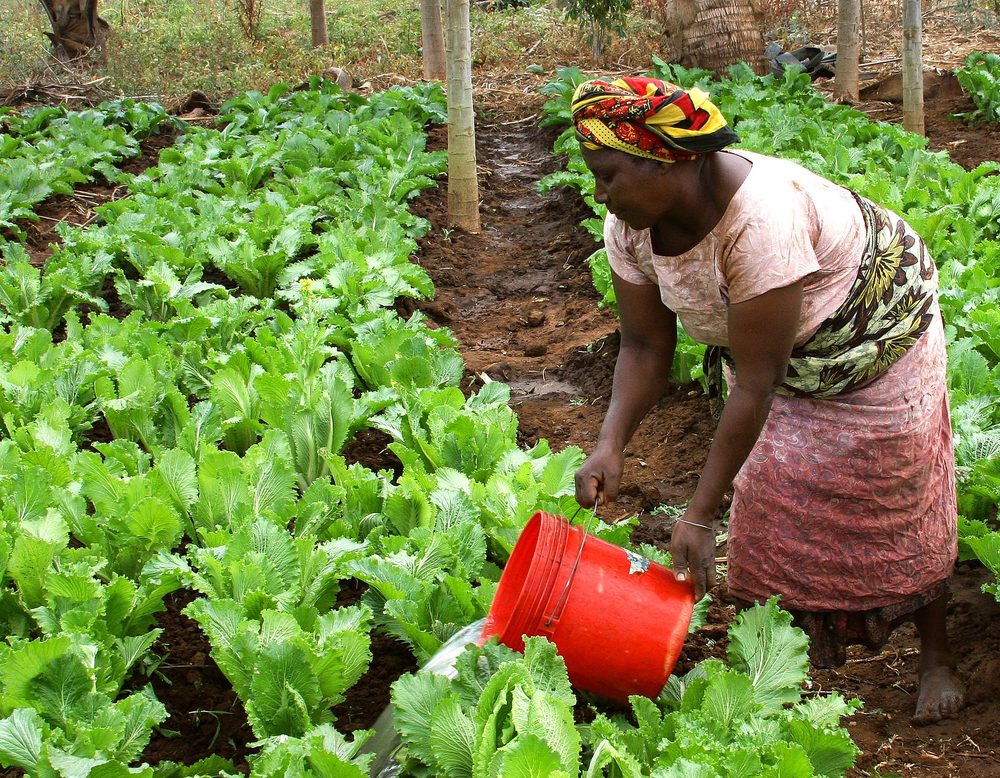
Women's cooperatives and income generation
Local committees and civic participation
Photographs: USAID and partner agencies, public domain / Creative Commons via Wikimedia Commons.
From sign-up to your first donor report in four steps — with a guided tour that walks you through the whole workspace.
Sign up with your work email and verify it. Free for a single organisation.
A guided wizard captures your registration details, sectors, districts and first project. A built-in tour then shows you around.
Scan the live web with AI or search the database. Each opportunity is link-checked and auto-scored against your profile and projects.
Track applications to submission, log impact, manage budgets in Kwacha and export donor reports — even when you're offline.
Each teammate sees only the areas they need — and the workspace recolours itself to their role. Invite people by tier and direct links to locked areas are blocked automatically.
Full access, including team management and invitations.
Create and edit across projects, funding and applications.
Projects area only — tasks, M&E and budgets.
Funding matches and the applications pipeline.
Read-only access across the whole workspace.
Set up your organisation in about five minutes. No card required, and you can export your data at any time.